
Easy Mobile Editing and Document Creation
Word Mobile allows you to open new or existing housing authority documents right from your phone or tablet. Its simple, touch‑friendly interface makes it easy to type, edit, comment, and format text—helping you stay productive wherever your work takes you.
Even when you're away from your desk, the Dictation feature lets you speak notes or reports instead of typing, which is especially helpful during a meeting so you can pay attention to actually participating in the meeting.
Voice Dictation for Hands‑Free Writing
One of Word Mobile’s standout features is its built‑in dictation tool, which allows you to create content using speech‑to‑text. With a stable internet connection and your device’s microphone, you can speak naturally and watch your words appear instantly on the page. You can even use voice commands to insert punctuation or add special characters.
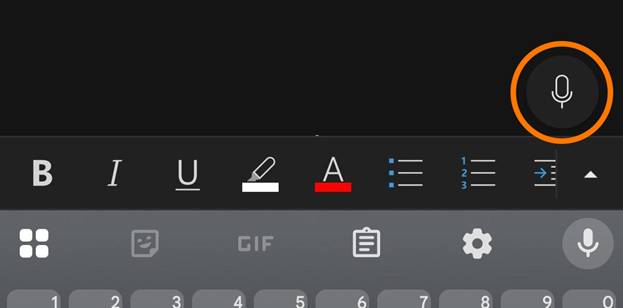
Use this button to begin Dictation recording and pull up related settings:
Once started, simply place your phone in a central location with clear access to all speaking participants. This will transcribe the entire meeting for you to read back or edit. This document can then be saved to the cloud or emailed.
Be careful and think about the type of meeting that you are recording. Do not use this for recording potentially sensitive meetings such as when entering an Executive Session.
Click here to see twenty super useful commands to use dictation most effectively, or click here for a more thorough look at the dictation tool whether on mobile or desktop versions.